Honeycomb: The World Beyond Honeycomb Steam Demo Walkthrough
How to spend the timed Sota7 trial that opened on August 31, 2026.
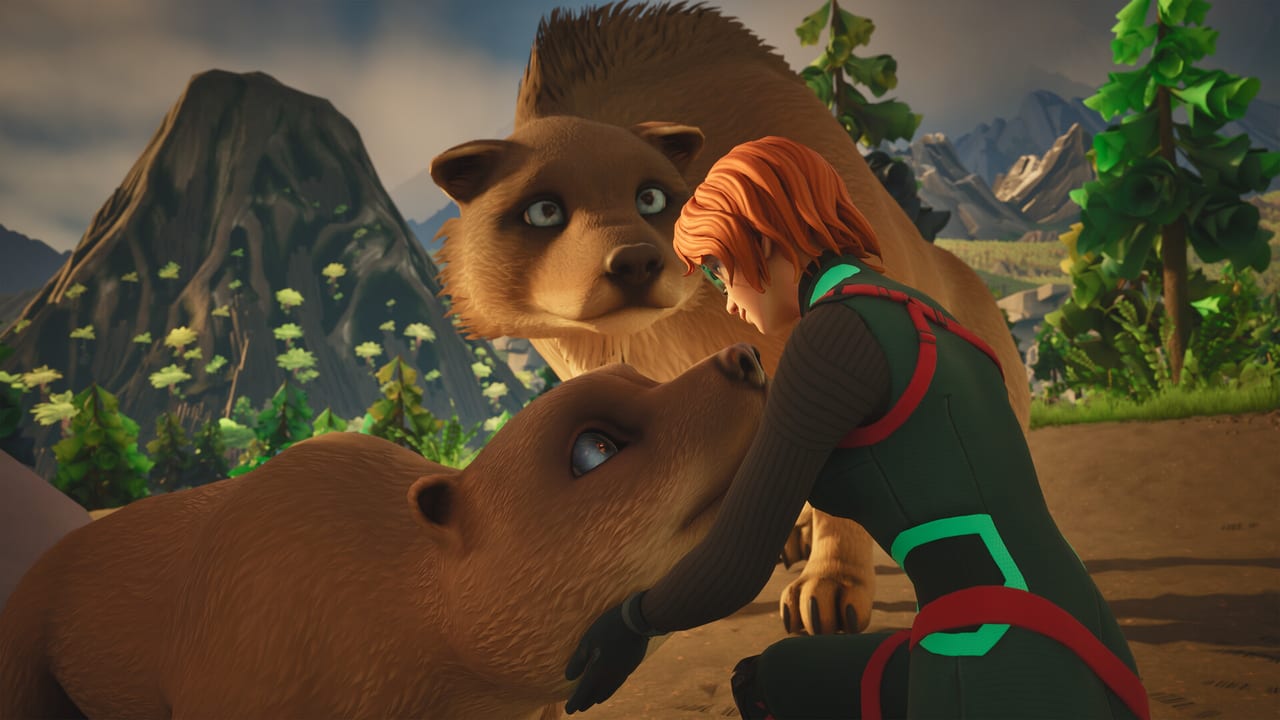
The Honeycomb: The World Beyond demo is a short field exam, not a vertical slice of The Pass. Frozen Way and Snail opened a Steam trial on August 31, 2026, about a week before the September 8 full launch. Marketing copy talks about roughly one hour of play. The Steam demo news post is stricter: each session ends after two hours of playtime or a main-quest milestone, whichever comes first, and a new game resets the timer. This page tells you how to use the first hour inside that cap, what currently breaks, and which wiki pages to keep open while you play. If the client never boots, jump to troubleshooting. Install from Steam app 2959440 or the demo module on the main store page.
What the demo is for
Use the trial to answer buy questions, not to “finish Sota7.” You should leave knowing:
- Whether first-person movement and scanning feel good on your hardware.
- Whether the slow hunger/thirst clock is relaxing or boring.
- Whether grafting or allogamy in a grow pod clicks as a progression system.
- Whether building with planning mode is enough if you dislike snapping walls.
The getting started checklist still applies. The difference is the timer. Demo threads on Steam already complain about the time limit. Treat it as a lab practical: one shelter, one scan route, one experiment. If you spend forty minutes decorating, you will learn nothing about the science loop that actually sells the game.
Console players should note that the August 19 announcement confirmed a Steam demo first. Do not assume a PlayStation or Xbox trial exists until Frozen Way says so. PC is the rehearsal stage.
Suggested 60-minute route
Minutes 0–10 — boot and binds. If the game never starts, open troubleshooting. If it does, open controls and confirm scan, interact, and a sample tool. Demo players have reported missing middle-mouse options and thin binding lists. Fix that before you walk into a Scorchweaver.
Minutes 10–25 — Valley classroom. Official field survey log #2 classifies The Valley as low risk and recommended for initial orientation. Scan everything. Do not race inland. Fill the database with at least a handful of plants and one animal. The plant tier list and animal list exist so you can name what you saw later.
Minutes 25–40 — shelter. Find water, drop a compact lab using planning mode, and get a power idea. Base building explains drones, pumps, solar, and grow pods. In the demo you only need a room that can host one experiment.
Minutes 40–55 — one experiment. Follow bioengineering. Graft or cross-pollinate something you actually scanned. Read the result. If the UI is confusing now, it will still be confusing on September 8.
Minutes 55–60 — notes. Write crash logs, stutter, bind gaps, and whether immunity or thirst ever mattered. Take those notes into the preview.
Skip The Headlands and The Pass unless the demo explicitly drops you there. Those zones are mixed-danger and extreme-risk in later surveys. A timed build is the wrong place to learn an endgame pocket.
Troubleshooting the current build
Full steps live on troubleshooting. Short version:
Steam discussions filled up the moment the demo opened. Recurring reports:
- Will not start / crash on launch. Players have had luck adding
-dx11to the Steam launch options. Honeycomb is an Unreal Engine 5 title with DirectX 12 in the recommended spec; forcing 11 is a reasonable first test. Also verify system requirements and try the NVIDIA app if you run RTX features. - Black screen or stuck loading. Disable overlays, run as a clean boot, and confirm the install sits on an SSD. The minimum spec already asks for SATA SSD, recommended NVMe.
- Unstuck does not unstuck. Do not wander into geometry you cannot name. Keep the landing pod as a mental respawn. Death already returns you to base with some dropped items; use that if a command fails.
- Timer shock. The hour is real. Do not start a second biome tour at minute 50.
Frozen Way pinned troubleshooting, demo feedback, and bug report threads on the Steam hub. Use those for logs. This wiki records the workarounds; it is not official support. The links page collects Discord and Steam URLs.
What the demo will not teach you
You will not finish Earth’s story. You will not rank every hybrid. You will not live in The Pass. Official copy still sells 25–30 base plants plus hybrids, multiple biomes, hoverboards, and late research. The trial is a handshake with the scanner and the grow pod.
Graphics tourists should still open graphics settings. The marketed stack is DLSS 4.5, Ray Reconstruction, Multi Frame Generation, RTXDI, and Reflex. A one-hour demo is a good time to see whether those toggles are stable on your card before you pay.
After the demo
If the hour felt slow in a good way, you are the audience. Read survival so immunity pumps do not surprise you, then biomes so launch day has a route. If the hour felt empty, watch the preview and be honest: Honeycomb is a chill science sandbox, and the demo is the warning label as much as the invitation.
Keep the Updates Hub bookmarked through September 8. Demo patches, giveaway posts, and field surveys are landing on Steam news in the same week. When the full client unlocks, replay this route without a timer and only then push toward The Headlands.
Frequently Asked Questions
Quick answers to the most common questions.
How long is the Honeycomb demo?
Steam: two hours per session or a quest gate, whichever first. New game resets the timer. Spend the first hour on scanning, a starter lab, and one experiment. Crashes: troubleshooting.
The demo will not launch. What should I try?
Add `-dx11` to Steam launch options, confirm an SSD install, and check system requirements. Report logs on the pinned Steam bug thread linked from links.
Is the demo on consoles?
The confirmed trial is on Steam as of August 31, 2026. Wait for Frozen Way before assuming a PS5 or Xbox demo.
What should I test besides building?
Scanning, sampling tools, one grow-pod experiment from bioengineering, and your graphics preset from graphics settings.