Honeycomb: The World Beyond Honeycomb Controls
Rebind scan, sample, and travel before a Scorchweaver writes the tutorial.
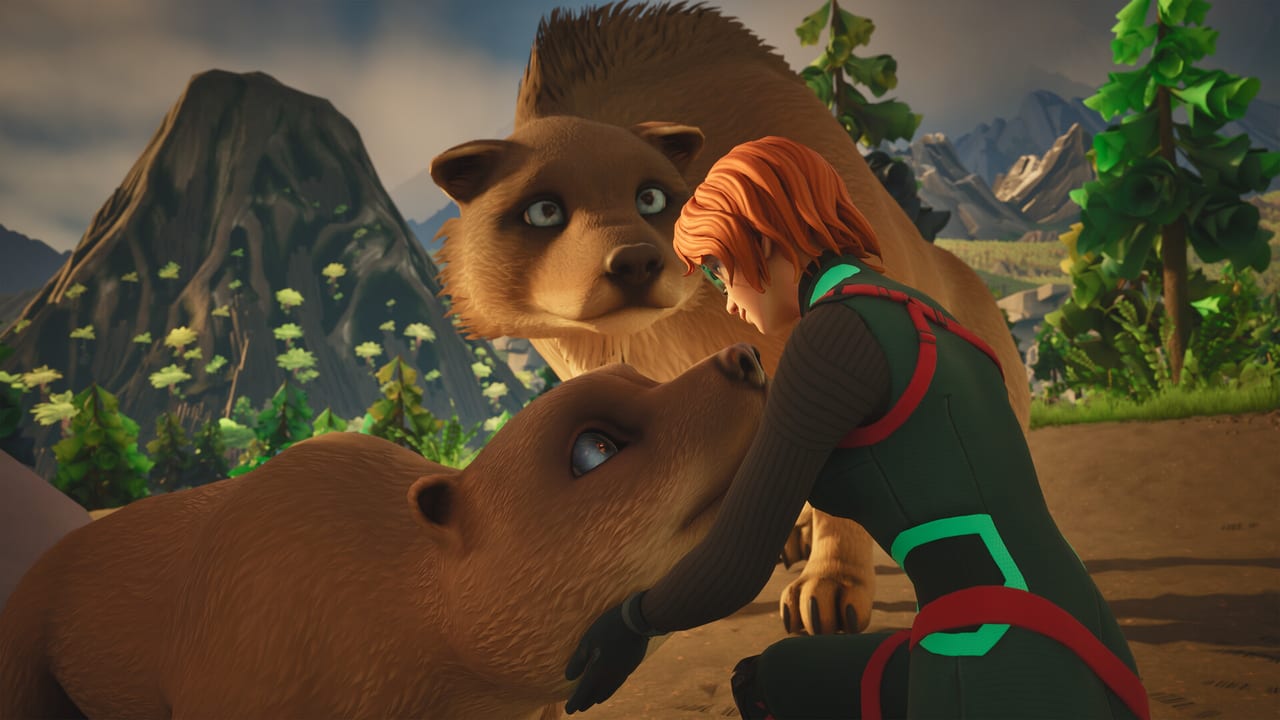
Honeycomb: The World Beyond is first-person and tool-heavy. Steam lists full controller support and a Playable Steam Deck rating, but the August 31 demo already produced threads titled like a support ticket: missing middle-mouse, thin keyboard maps, “dire need of bindings.” This page is how to set the scientist kit before you walk The Valley. Pair it with getting started and the demo walkthrough.
What must be bound on minute one
Regardless of the default layout Frozen Way ships on your platform, you need all of these reachable without a menu:
- Look / move. Standard FPS. Invert Y if you need it before the hoverboard exists.
- Scan. This is progression. If scan sits on an awkward mouse button, move it. Demo players who could not bind middle-mouse should pick a side button or a keyboard key immediately.
- Interact / pick up. Samples and camp pieces.
- Tool cycle for chisel, secateurs, sampler, and later tranquilizer. Specialized tools are the whole fantasy; burying them in a radial you cannot open mid-wildlife is how you eat dirt.
- Sprint / crouch. For sightlines, not for a combat roll.
- Build / planning mode. You will open this more than a crafting grid in other sandboxes. See base building.
- Journal / database. The scan log is your skill tree. Put it near inventory.
Unstuck, if present, should not be your movement key. Demo reports say it already fails. Death-to-base from survival is the reliable reset.
Keyboard and mouse
Expect a conventional Unreal FPS layer (WASD, mouse look, number keys for tools) plus extra scientist actions. Because Frozen Way has not published a final public bind table that survived every demo patch, do this instead of memorizing a maybe-wrong chart:
- Open the in-game mapper before you leave the landing pod.
- Photograph or note every empty slot. Empty slots are the story of the current build.
- Duplicate scan onto two keys if the UI allows it. One for mouse, one for keyboard.
- Move anything that uses middle-mouse onto a bind you physically have. Several players said they would not buy without that fix — you do not have to join them, but you should rebind.
- Save a preset name like “Valley” so launch day does not reset you into a trailer default.
If the mapper is incomplete in the demo, say so on Frozen Way’s feedback thread (via links) with a screenshot. That is more useful than a generic “add keybinds” post.
Controller and Steam Deck
Full controller support means a default glyph set exists, not that every PC action is perfectly stacked. On pad:
- Put scan on a bump or trigger you can hold while looking.
- Put the tool radial on a face-button hold, not on the same input as jump.
- Give planning mode a combo you will not hit while hiking.
- Test the hoverboard separately. Analog drift plus a fast board is a cliff.
Steam Deck: Valve’s report said small text, default config works, controller icons match, and default graphics were performant in their test. Increase UI scale if the build offers it. Play seated. The science UI is denser than a platformer HUD.
Console players on PS5 and Xbox inherit the pad map. Still open settings on first boot; PC demo pain often predicts a toggle you want (invert, deadzone, vibration).
Tools you are binding for
Remember what the keys represent:
- Scanner — database unlocks, temperament reads, “is this edible.”
- Secateurs / chisel / sampler — extraction for bioengineering.
- Tranquilizer — pathing through hostiles, not a DPS rotation.
- Immunity pump — survival meter, easy to forget until The Headlands.
- Drone / hoverboard — travel and construction help from base building.
If a tool has no bind, you will play a worse game and blame the planet. Fix the mapper, then go scan Lucuma Camilla like a professional.
Launch-day habit
On September 8, repeat the demo bind pass even if you think you are done. Patches reset configs. Keep this page and the Tools Hub next to system requirements. A perfect graft still fails if you cannot raise the sampler because middle-mouse never existed on your mouse.
Frequently Asked Questions
Quick answers to the most common questions.
Does Honeycomb support a controller?
Yes. Steam lists full controller support. Still rebind scan and tools. Deck users should expect small text, as noted above.
The demo has no middle-mouse bind. What now?
Move scan and tool actions off middle-mouse in the mapper. Report the gap on the Steam feedback thread linked from links.
What should I bind first?
Scan, interact, tool cycle, planning mode, and immunity pump. Then play getting started.
Where is the official bind list?
In the client. This page tracks demo pain and the actions that must exist. Check demo notes if a patch changes the mapper.