Honeycomb: The World Beyond DLSS, RTXDI, and Stable Presets
How to turn Sota7’s NVIDIA stack on without crashing the demo.
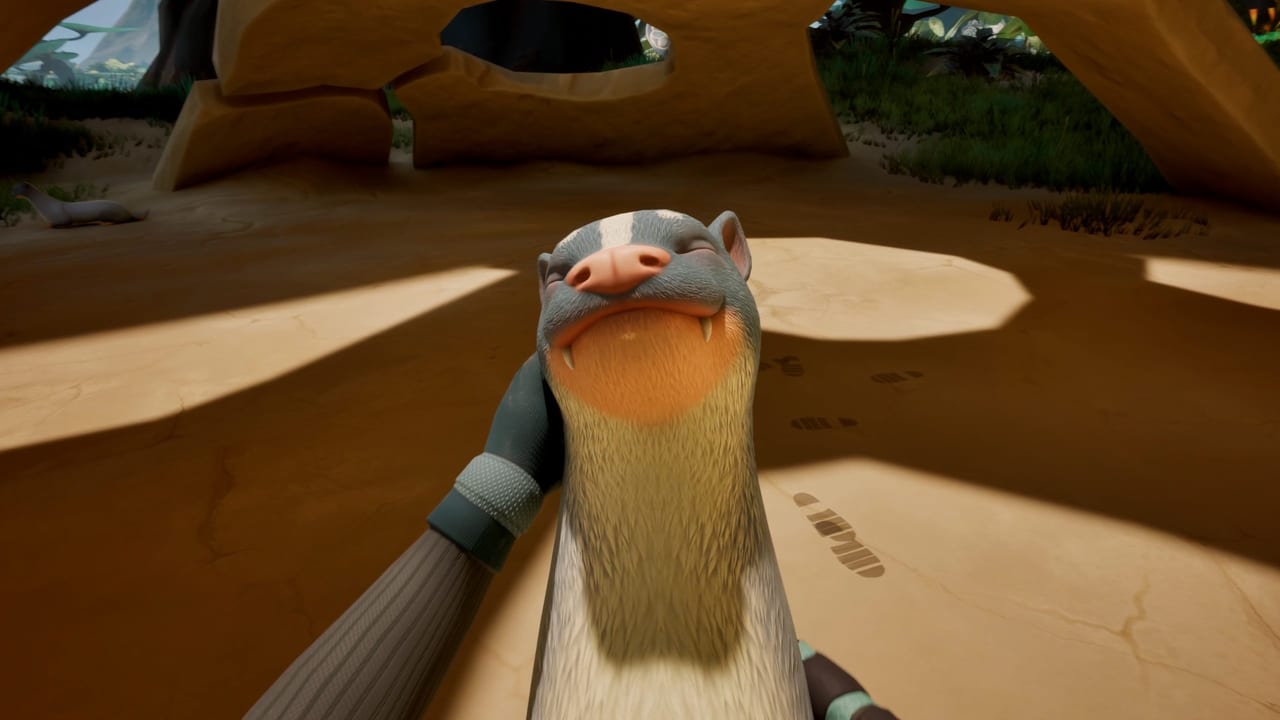
Frozen Way partnered with NVIDIA so Honeycomb: The World Beyond can ship with DLSS 4.5 (including Ray Reconstruction and Multi Frame Generation), RTXDI, and Reflex. That is a real trailer stack, not a forum rumor. It is also the fastest way to make a GTX 1660 minimum-spec machine feel cursed if you toggle everything on. This page is the order of operations. Pair it with system requirements and the -dx11 note in demo notes.
Boot stable, then get pretty
- Launch with default settings. Confirm The Valley moves.
- If the client never starts, force DirectX 11 via Steam launch option
-dx11. Recommended spec wants DX12; a working 11-mode hour is worth more than a 12-mode crash. - Set resolution to your panel native. Do not start at 4K on a 2070 because a 5080 trailer did.
- Pick Low or Medium if you are near minimum. Recommended cards can try High.
- Only then enable DLSS Super Resolution. Quality mode first, not Ultra Performance.
- Add Frame Generation only if the NVIDIA feature set and your GPU generation actually support it in this build.
- Add Ray Reconstruction / RTXDI last. Lighting is the expensive postcard.
Reflex belongs on if the menu offers it and input feels mushy with generation enabled. It will not fix a bind problem; that is controls.
What the acronyms mean in this game
- DLSS Super Resolution — render below native, reconstruct. This is the FPS lever for RTX cards.
- DLSS 4.5 Ray Reconstruction — transformer-era cleanup for ray-traced lighting. NVIDIA’s June 2026 Honeycomb trailer is the visual target, captured on a 5080 at 4K max with RTXDI and DLSS 4 MFG 4X. Your 2070 is not that capture.
- Multi Frame Generation — extra interpolated frames. Great on a supported 50-series pitch, easy to oversell on older cards. If the option is grey, leave it.
- RTXDI — NVIDIA’s real-time lighting / sampled-lighting stack. Beautiful foliage and lab interiors; also a crash magnet on dirty drivers.
- Reflex — lowers render queue latency. Use it when generation is on.
AMD players should look for FSR or native TAA if Frozen Way exposes them. The billed partnership is NVIDIA. Do not expect the trailer to be your RX 6500 experience. Lower shadows, foliage, and volumetric fog first; Sota7 is a plant game and plants are expensive.
Preset recipes (starting points)
Minimum class (1660 / 6500, 8 GB RAM): 1080p Low, no ray extras, TAA or FSR if present, foliage down, SSD install. Goal: finish the demo hour.
Recommended class (2070 / 6700, 16 GB): 1080p or 1440p High, DLSS Quality if RTX, Reflex on, RTXDI off until stable, then try it in the landing pod only.
High-end RTX 40/50: 1440p or 4K, DLSS Quality, Ray Reconstruction, generation if supported, RTXDI on after a 10-minute Valley walk without hitching. If The Pass stutters later, you already know which toggle to reverse.
Steam Deck: Valve’s default was “performant” in their test. Do not import a 4K INI. Small text is the bigger complaint; raise UI scale before sharpening.
Drivers and overlays
Update Game Ready or equivalent drivers before launch week, then do not stack five overlays. Discord, NVIDIA, Steam, and a reseller OSD together look like a Honeycomb bug. The Tools Hub will not host “FPS packs.” If you need more frames, drop a preset, close Chrome, and stop filming two 4K captures while grafting.
Shader compilation stutters on first boot of UE5 titles. Walk the landing pod, not The Pass, while caches build. That walk is also getting started.
When a post-launch patch changes DLSS versions, update this page from Steam news via the Updates Hub. Until then, pretty is optional. A running lab is not.
Frequently Asked Questions
Quick answers to the most common questions.
Does Honeycomb support DLSS 4.5?
Yes. NVIDIA and Frozen Way advertised DLSS 4.5, Ray Reconstruction, Multi Frame Generation, RTXDI, and Reflex. Enable them only after a stable boot, as above.
The game will not start with default graphics. Now what?
Try `-dx11`, verify files, and read demo notes. Confirm you meet system requirements.
Can a GTX 1660 use RTXDI?
Treat it as off. That card is the NVIDIA minimum partner for raster. Use Low and a 1080p cap.
Where is the official comparison video?
The NVIDIA GeForce trailer embedded on this page. Use it as a target, not as a spec sheet.