Honeycomb: The World Beyond Extraction Techniques on Sota7
How to use the secateurs, chisel, and sampling device correctly — and why the scanner must come first every time.
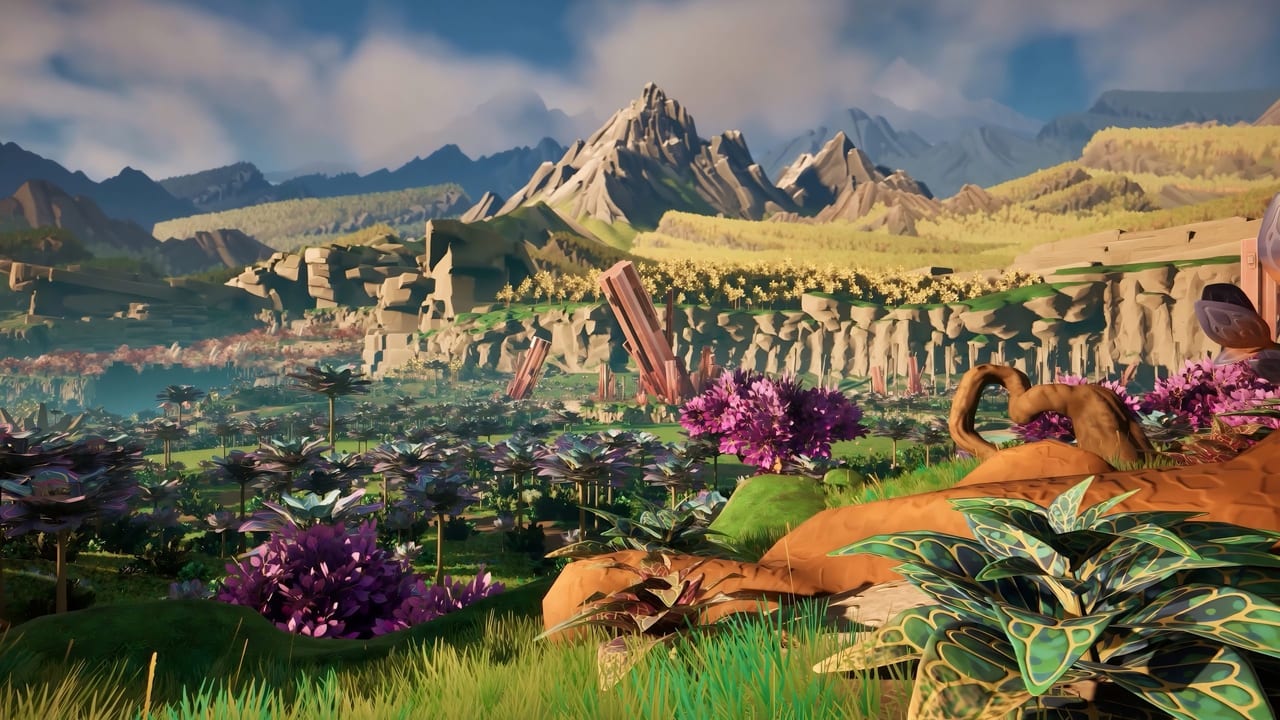
Extraction in Honeycomb: The World Beyond is a precision skill, not a gathering button. The three extraction tools — secateurs, chisel, and sampling device — each handle a specific material class. Using the wrong tool on a specimen returns nothing useful and may destroy the sample. This page is the technical reference for the extraction layer under crafting and bioengineering.
The golden rule: scan first
Every extraction starts with the scanner. The AR overlay tells you the material class before you touch anything:
- Botanical — plant tissue, leaves, stems, fruit, flowers. Use secateurs.
- Geological — minerals, stone, crystals, hard deposits. Use chisel.
- Genetic — DNA, cellular material, seeds, pollen. Use sampling device.
The scanner is not optional. It is the tool that makes extraction possible. Approaching a specimen without scanning first is how you waste a rare genetic sample on a rock.
Secateurs — botanical extraction
The secateurs are precision clippers designed for plant tissue. They preserve the genetic integrity of botanical samples, which is why they are essential for any grafting or allogamy work.
Correct use:
- Approach a scanned botanical specimen within tool range.
- Equip secateurs from the hotbar.
- Trigger extraction on the target plant part (stem, leaf, fruit, flower).
- The sample enters your inventory as a botanical specimen.
Common mistakes:
- Using secateurs on mineral nodes. The tool will not interact; the game will not let you force it.
- Using secateurs on genetic material you should be collecting with the sampler.
- Harvesting the only copy of a rare parent plant without first establishing a backup at base.
Connection to bioengineering: Secateurs are the tool for grafting work. The scion — the plant piece you graft onto a host — is cut with secateurs. Without clean secateur cuts, grafts fail. See bioengineering for the grafting workflow.
Chisel — geological extraction
The chisel extracts hard geological materials: minerals, stone fragments, crystals, and other hard deposits. It is the tool for material samples that botanical tools cannot penetrate.
Correct use:
- Scan to confirm the specimen is geological.
- Equip the chisel from the hotbar.
- Position within range and trigger extraction.
- The sample enters your inventory as a mineral specimen.
Common mistakes:
- Using the chisel on plants. The chisel is designed for hard materials and will not produce useful samples from botanical targets.
- Expecting chisel samples to work for grafting. Geological material is not botanical material.
Connection to base building: Mineral specimens are used in base infrastructure crafting — solar panels, wind turbines, and structural components all require geological resources. The chisel is also how you collect materials for advanced crafting recipes.
Sampling device — genetic extraction
The sampling device is the most delicate extraction tool in the kit. It collects genetic material — DNA, cellular tissue, seeds, pollen — from both flora and fauna. This is the tool for allogamy work.
Correct use:
- Scan to identify specimens with genetic material worth collecting.
- Equip the sampling device from the hotbar.
- Approach the specimen within range. For plants, target the fruit, seed pods, or flower. For fauna, approach carefully — some animals require tranquilization first.
- Trigger extraction. The sample enters your inventory as a genetic specimen.
Fauna considerations: The sampling device works on animals, but proximity matters. Aggressive fauna may interrupt extraction. Use the tranquilizer dart gun to neutralize dangerous creatures before collecting genetic samples. See creature behaviors for which animals require sedation.
Common mistakes:
- Using the sampling device when secateurs would suffice. The sampling device is for genetics, not general plant harvesting.
- Trying to sample an aggressive animal without tranquilization.
- Collecting a single genetic sample from a unique specimen without a backup copy at base.
Connection to bioengineering: Allogamy — cross-pollination between two specimens — requires genetic material from both parents. The sampling device is the tool that makes allogamy possible. See crossbreeding for the allogamy workflow.
Tool selection flowchart
When you encounter an unknown specimen:
- Scan it. The AR overlay names the material class.
- Botanical? Use secateurs.
- Geological? Use chisel.
- Genetic? Use sampling device.
- Unclear? Do not extract. Continue scanning until the entry is complete.
What happens when you use the wrong tool
The game is strict about tool-specimen matching:
- Wrong tool class: the tool will not activate on the target.
- Rare specimens: attempting the wrong tool does not destroy the specimen, but it wastes your time and may signal that you need to rescan.
The practical risk is not destroying specimens — it is returning empty-handed from an expedition with nothing to show for a long walk.
Tool durability and maintenance
Pre-launch materials mention tool durability as a design consideration. Treat extraction tools as limited-use items until official documentation confirms the durability system. Practical advice:
- Carry backup tools for long expeditions.
- Do not use the last charge of a tool on a common specimen when rare ones are ahead.
- Store spare extraction tools in base containers.
Extraction and the demo
The demo session is long enough to test all three extraction tools on common Valley specimens. Use the demo hour to:
- Practice scanning on 5–10 specimens and confirming material class.
- Test secateurs on a botanical target.
- Test the chisel on a geological target.
- Understand why you cannot use botanical tools on minerals.
The demo is not long enough to test the sampling device on fauna, but it is long enough to understand why the scanner must come first.
Extraction FAQ
Can I use secateurs on minerals?
No. The chisel is designed for geological materials. Secateurs will not activate on mineral targets.
Do I need to tranquilize animals before sampling them?
For aggressive fauna, yes. The sampling device requires proximity. Use the tranquilizer dart gun on dangerous animals before attempting extraction. See creature behaviors.
What is the most important extraction rule?
Scan first. Every extraction decision flows from the scanner reading. The AR overlay tells you the material class. The tool follows.
Can I extract genetic material from plants with secateurs?
Secateurs cut plant tissue but do not collect genetic material in the way the sampling device does. For allogamy, you need the sampling device.
What happens to a specimen if I use the wrong tool?
The tool will not activate on the wrong material class. You will not destroy the specimen, but you will waste time and return empty-handed.
Frequently Asked Questions
Quick answers to the most common questions.
Can I use secateurs on minerals?
No. The chisel is designed for geological materials. Secateurs will not activate on mineral targets. Scan first to confirm material class.
Do I need to tranquilize animals before sampling them?
For aggressive fauna, yes. The sampling device requires proximity. Use the tranquilizer dart gun on dangerous animals first. See creature behaviors.
What is the most important extraction rule?
Scan first. Every extraction decision flows from the scanner reading. The AR overlay tells you the material class; the tool follows.
Can I extract genetic material from plants with secateurs?
Secateurs cut plant tissue but do not collect genetic material like the sampling device does. For allogamy work, you need the sampling device.
What happens when I use the wrong tool on a specimen?
The tool will not activate on the wrong material class. You will not destroy the specimen, but you waste time and return empty-handed.