Honeycomb: The World Beyond Hoverboard Guide for Sota7
Unlock location, controls, travel speed, and why the hoverboard changes how you plan an expedition on Honeycomb: The World Beyond.
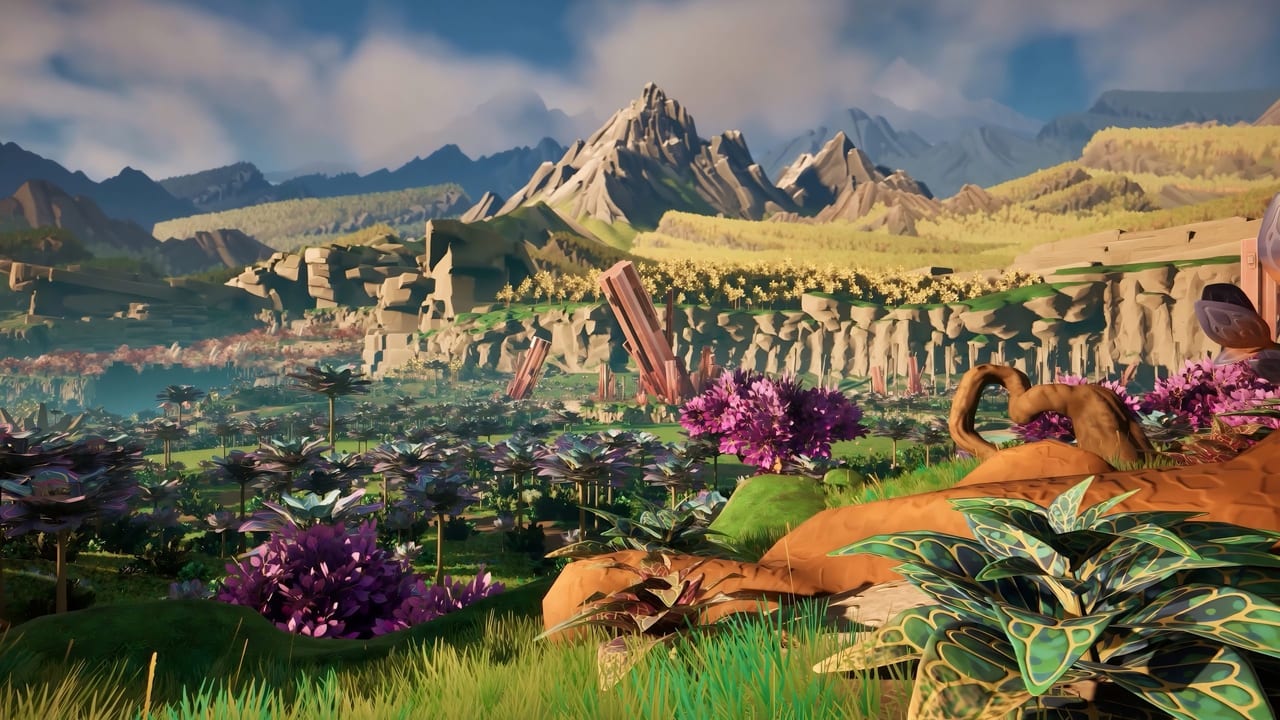
The hoverboard in Honeycomb: The World Beyond is not a toy. It is the tool that turns a Valley-only player into someone who can reach The Pass and return before immunity runs out. This guide covers how to find it, how to use it, what it cannot do, and why it should be one of your first post-lab crafting priorities.
What the hoverboard actually is
Frozen Way describes it as a personal mobility tool that makes exploration easier by moving quickly across the map. Official materials call it a hoverboard. In practice it functions as a fast-travel-overland tool: you stand on it, it carries you across terrain faster than sprinting, and it frees your inventory slot that would otherwise hold a stamina-heavy running setup.
The hoverboard is not a replacement for planning. It will not carry you up a cliff you cannot physically climb, and it will not extend your immunity clock. What it does is shrink the time cost of moving between known locations. If you have scouted a route to The Pass, the hoverboard makes the return trip survivable in a way that sprinting cannot guarantee.
How to unlock the hoverboard
The hoverboard is a craftable item unlocked through progression. Based on official site descriptions and community gameplay footage, it requires:
- Lab infrastructure — You need a functioning base with at least one grow pod operational before the blueprint appears.
- Blueprint unlock — Like other tools, it becomes available through exploration milestones. The official site lists it alongside drones and grow pods as part of the base-building toolkit.
- Crafting materials — Specific resources gathered from Sota7 surfaces. Check your blueprint interface for exact requirements.
Do not expect to craft it in the demo hour. The demo walkthrough is long enough to test movement, scanning, and one lab cycle. The hoverboard is a post-lab investment.
Hoverboard controls
From community gameplay and controls documentation:
- Equip — Add to hotbar, select as active item.
- Mount — Standard interaction key when standing near it.
- Steer — WASD or left stick controls direction while mounted.
- Brake — Designated brake key or button. Bind this where you can find it without looking, as recommended in the controls guide.
- Dismount — Same interaction key or a dedicated dismount button.
The brake is especially important. Players on community threads report cliff edges and water edges as the most common hoverboard accidents. A brake you can find by feel keeps you on the map.
Speed and travel practicals
The hoverboard is faster than sprinting. Exactly how much faster depends on terrain and any upgrades applied to the board. The practical effect: a trip that takes 15 minutes of running takes roughly 5 to 7 minutes on the hoverboard.
That time savings has a direct effect on survival:
- Immunity clock — Shorter travel means less time outside, which means you spend more of your immunity bar actually exploring rather than commuting.
- Sample freshness — Faster return to base means less risk of dying with perishables in your inventory.
- Route flexibility — A day trip that required a base camp can become a single-push expedition from your main lab.
The hoverboard does not regenerate during use. It runs on a fuel or charge system. Practical advice: plan your route so the return leg has enough charge to get home. Community posts recommend keeping a spare in base storage for long expeditions.
When to use the hoverboard versus when to sprint
Use the hoverboard when:
- Traveling between known, scouted locations on established routes.
- Returning to base with a full inventory of samples.
- Crossing open terrain that has no hostile wildlife nearby.
- When your immunity bar is low and you need to compress travel time.
Sprint instead when:
- Moving through unexplored territory where you need to stop and scan frequently.
- In hostile territory where you need to react quickly on foot.
- When the terrain is too steep or broken for the board to maintain speed.
- When you are still learning a zone and want to absorb its layout at walking pace.
The hoverboard is a lab-to-field tool, not a combat tool. It will not save you from a Scorchweaver. The survival guide covers what to do when wildlife blocks a path.
Combining hoverboard and drone
The drone and the hoverboard serve different roles. The drone is a remote camera and carrier that extends your reach without physically traveling. The hoverboard is your personal mount for overland travel. A good post-lab routine:
- Use the hoverboard to reach a scouting position.
- Deploy the drone for remote reconnaissance of the area ahead.
- Return to the hoverboard and proceed on foot once the route is clear.
The base building guide covers drone deployment and station placement in more detail.
Common mistakes
- Riding off cliffs. The board does not stop at ledges automatically. Use the brake.
- Taking the board into hostiles. Dismount and handle the encounter on foot.
- Ignoring the charge. Running out of charge mid-route in hostile territory is a bad situation.
- Using it instead of scanning. Faster travel is not better if you miss the database entry that tells you what you just passed.
Hoverboard FAQ
How do I unlock the hoverboard?
Craft it after establishing a base with grow pod infrastructure. It is a post-lab blueprint unlock, not a day-one item.
Is the hoverboard faster than sprinting?
Yes. It significantly reduces travel time between known locations, which directly helps your immunity management on longer expeditions.
Can I use the hoverboard in combat?
No. Dismount before engaging hostile wildlife. The board is a travel tool, not a combat platform.
What happens if I run out of charge mid-journey?
You will need to complete the journey on foot. Carry a spare board or plan routes with charging stations in your base.
Does the hoverboard work in all biomes?
It handles most terrain but is less effective on steep, broken, or heavily vegetated ground. The Pass and aquatic zones have terrain that limits board speed.
Frequently Asked Questions
Quick answers to the most common questions.
How do I unlock the hoverboard?
Craft it after establishing a base with grow pod infrastructure. It is a post-lab blueprint unlock. The demo hour is too early for this item.
Is the hoverboard faster than sprinting?
Yes. It significantly reduces overland travel time, which helps you complete longer expeditions before your immunity bar runs out.
Can I use the hoverboard in combat?
No. Dismount before engaging hostile wildlife. The hoverboard is a travel tool, not a combat platform.
What if I run out of charge mid-journey?
Complete the journey on foot. Carry a spare board in base storage for long expeditions or plan routes with charging access.
Does the hoverboard work in every biome?
It handles most terrain but is less effective on steep, broken ground and heavily vegetated areas. Aquatic zones and The Pass have terrain that limits board speed.